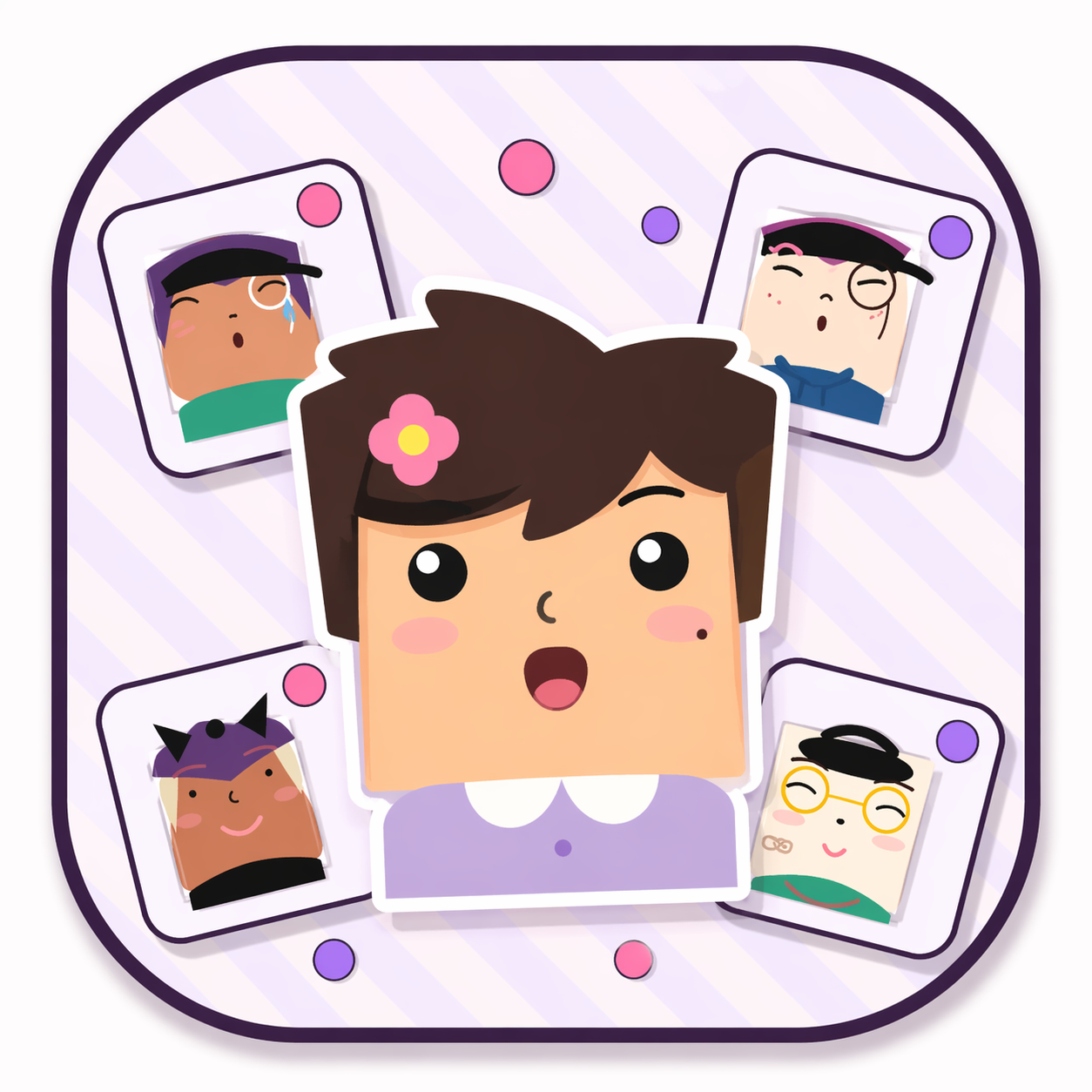
Minecraft Square Face Icon Generator
Build Minecraft-style square face icons with blocky pixel-perfect layers. Stack skin, hair, eyes, and accessories, then export a crisp 256×256 transparent PNG perfect for Minecraft servers, skins, and profiles.
Click the START button below to build your Minecraft square face icon.
build your little cube cutie ♡
30+ variants per part · live pixel preview · one-click download
More cube face ideas

.png)
.png)
.png)
.png)
.png)
.png)
.png)
.png)
.png)
.png)
.png)
.png)
.png)
.png)
Why Use the Minecraft Square Face Icon Generator?
Blocky Pixel Aesthetic
Every layer is designed with chunky, high-contrast edges that look right at home in Minecraft servers, resource packs, and pixel-art communities.
Instant Transparent PNG
Export a 256×256 PNG with transparency in one click. Downscale to 64×64 for server icons or 128×128 for profile pictures without losing the crisp square look.
No Install Required
Works entirely in your browser—no Minecraft mods, no Photoshop, no downloads beyond your finished icon. Mobile friendly too.
How to Use Your Minecraft Square Face Icon
- Step 1
Design Your Face
Pick skin tone, hair, eyes, mouth, and accessories. Use the color chips to tint parts until they match your Minecraft skin or server theme.
- Step 2
Export the PNG
Hit SAVE to download your square face icon. The 256×256 resolution keeps edges sharp when you scale down for Minecraft server lists or forums.
- Step 3
Upload & Enjoy
Use the icon as a Minecraft server logo, Discord avatar, forum profile picture, or resource-pack artwork. Transparent background means it fits anywhere.
Features Built for Minecraft Players
Layered Parts
Skin, hair, eyebrows, eyes, nose, mouth, glasses, hats, and clothes—stack them in any combination.
Color Customization
Tint hair, brows, lips, and accessories to match your favorite Minecraft biome or team color.
Randomize Button
Stuck for ideas? One click randomizes every layer and color for instant inspiration.
256×256 Export
Crisp, pixel-friendly resolution that scales cleanly to any Minecraft-related size you need.
Frequently Asked Questions
Can I use these icons on my Minecraft server?
Yes. The PNGs you create are yours to use for server icons, logos, Discord avatars, and forum signatures. Review our graphics usage page for full details.
What makes this different from a regular icon generator?
This tool targets the minecraft square face icon generator niche with blocky, high-contrast 16×16 pixel layers that feel native to Minecraft servers and pixel-art communities. Every icon is built from scratch with SVG crisp-edges rendering for true pixel-perfect output.
Do I need a Minecraft account to use this?
No. The generator runs entirely in your browser. You only need the PNG file to upload wherever you like—Minecraft server panels, Discord, Twitter, or your own website.
What size should I use for a Minecraft server icon?
Minecraft server icons work best at 64×64 pixels. Export at 256×256 from our generator, then downscale with nearest-neighbor resizing to keep the blocky edges crisp.
Ready to Build Your Minecraft Icon?
Jump back to the generator and create a square face icon that stands out on any Minecraft server or pixel-art community.
Related Tools
- Square Face Generator home to create cute square face avatars with layered parts and colors.
- Square face gallery for inspiration and community creations.
- Graphics usage guidelines for allowed personal and commercial use.